How to Dig in Dig Clean
Shovel technique for Dig & Clean dirty finds.
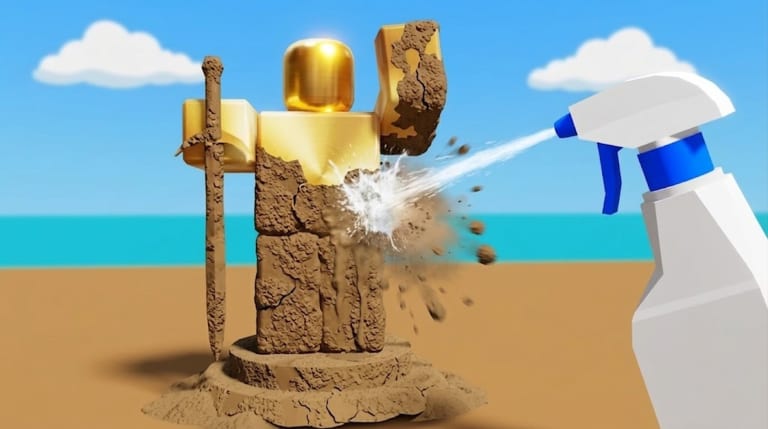
How to dig in Dig Clean is the first half of the Dig & Clean fantasy. Every valuable object begins as a dirty, buried find. Your shovel is the tool that pulls it from the ground so the spray bottle can finish the story.
Dig Clean digging basics
- Equip the shovel from your hotbar or inventory.
- Stand on diggable ground or a marked dig area.
- Hold or tap the dig input for your device (see Controls).
- Complete the dig action until a dirty object is collected.
- Stop digging when your backpack is nearly full of unclean finds.
Dig Clean rewards rhythm. Digging endlessly without cleaning creates a clogged inventory and stalls cash flow. Pair this page with How to Clean.
Reading Dig Clean dig feedback
Watch for animation, sound, or UI cues that confirm a successful dig. If nothing appears, you may be off a diggable tile, facing the wrong direction, or waiting on a shovel cooldown. Upgrade pressure often shows up as “too slow between digs,” which is a shovel problem — check the shovel tier list.
Dig Clean shovel upgrade mindset
A better shovel is not only a flex. In Dig Clean, shovel quality shortens the time from empty hands to dirty inventory, which means more cleans per hour and more museum chances. Early on, buy the first meaningful shovel upgrade after you understand cleaning. Mid-game, compare dig speed against spray bottlenecks using the upgrade priority tool.
Avoid copying shovel ladders from the unrelated Roblox game DIG. Dig Clean’s shop, islands, and spray pairing are unique.
Dig Clean dig routes and islands
Starter areas are designed for learning. Once dig yields feel thin, the islands guide explains when moving on is worth it. Script communities mention first-island and second-island teleports — that is a strong signal Dig Clean uses multi-area dig pools. Manual players should unlock travel through legitimate progression before chasing advanced farms.
Dig Clean inventory discipline while digging
- Dig in batches sized to your clean speed.
- Keep a few slots free for surprise rares.
- Never sell a dirty object before cleaning if identity is unknown — cleaning is how Dig Clean reveals value.
- After a rare reveal, open How to Get Rare Items and the museum guide.
Dig Clean dig tips that compound
Practise on a stable FPS if you play on PC. On mobile, avoid covering the dig button with your thumb when the spray UI appears. On console, confirm the dig bind in Console Controls. If you prefer automation, the auto dig script notes describe community features — with ban-risk warnings.
Related Dig Clean dig pages
Continue with How to Play Dig Clean, Progression, and Items Overview. Digging is only half the fun — the spray reveal is what makes Dig Clean click.
Dig Clean dig spot scouting
Before a long streak, walk the area once to note diggable clusters and the shortest path back to cleaning. Random wandering feels like bad luck when it is actually bad routing.
Dig Clean dig stamina and breaks
Fatigue causes mis-clicks. Short breaks keep dig rhythm accurate, especially on mobile and controller.
Frequently Asked Questions
Quick answers to the most common Dig Clean questions.
Why am I not getting items when I dig in Dig Clean?
Confirm you are on diggable ground, the shovel is equipped, and your backpack has space.
Should I upgrade shovel or spray first in Dig Clean?
Upgrade whichever is bottlenecking your loop. Use the upgrade priority tool if unsure.
Can Dig Clean scripts dig for me?
Community auto dig scripts exist. They may violate Roblox rules — read the scripts pages first.
Should I dig until inventory is 100% full in Dig Clean?
Stop around 80–90% if cleaning speed is slower than dig speed — leave room for surprise rares.