Dig Clean Museum Checklist
Track Dig & Clean museum goals in your browser.
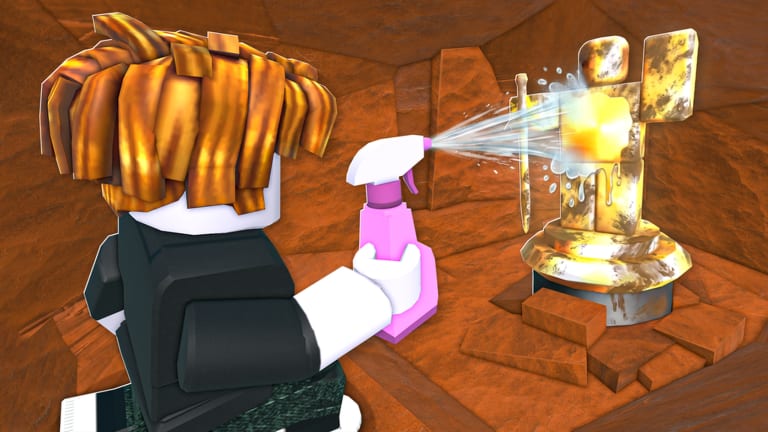
The Dig Clean museum checklist tool helps Dig & Clean collectors track what belongs on display after cleaning. Tick items as you complete them — progress saves in this browser via localStorage.
0 / 7 Dig Clean museum goals complete
Dig Clean museum checklist tips
Cleaning first is non-negotiable (How to Clean). Themes keep shelves coherent (Museum Guide). Selling duplicates funds the tools that find better pieces (Progression).
Dig Clean related links
Use this Dig Clean checklist at the end of every session.
Dig Clean museum checklist session ritual
End every session with three steps: clean remaining dirty items, tick new checklist rows, screenshot the museum if you completed a theme goal. Ritual beats sporadic checklist use.
Dig Clean checklist and duplicates
When you tick “sold duplicate rares,” confirm the displayed original is still on its shelf. Duplicates fund upgrades; originals stay for flex.
Dig Clean checklist limitations
This tool does not sync across devices. Phone and PC browsers keep separate lists — pick one primary device for tracking.
Dig Clean checklist pairing with guides
Read Museum Guide when stuck on which checkbox matters next. Checklist tracks habits; the guide explains why each habit matters.
Dig Clean museum goals for return players
Returning after a break? Reset is optional — instead add personal notes in a journal app listing which checklist items you still owe yourself this week.
Dig Clean museum checklist and patch days
After updates, re-tick only items you still maintain — new museum slots or items may reset habits. Pair checklist review with Best Finds so display goals stay current.
Frequently Asked Questions
Quick answers to the most common Dig Clean questions.
Where is Dig Clean checklist data stored?
In your browser localStorage on this device.
Can I reset the Dig Clean museum checklist?
Yes — use the Reset checklist button.
Does this Dig Clean tool unlock museum slots?
No. It only tracks your collecting habits.
Should I tick every Dig Clean checklist item every session?
No — tick only what you accomplished; the counter motivates without forcing fake progress.
Can I share Dig Clean checklist progress with friends?
Progress is local to your browser — screenshot or describe goals manually if you co-plan museums.